
Product
The control layer for commerce AI.
Six parts. One system. Brand, Products and Claims are the Atlas. Connect, Create and Check put it to work — so every model, agent and workflow stays on-brand, product-accurate and within policy.
On-brand. Product-accurate. Within policy.
- Brand
- Products
- Claims
- Connect
- Create
- Check
Compiling Atlas
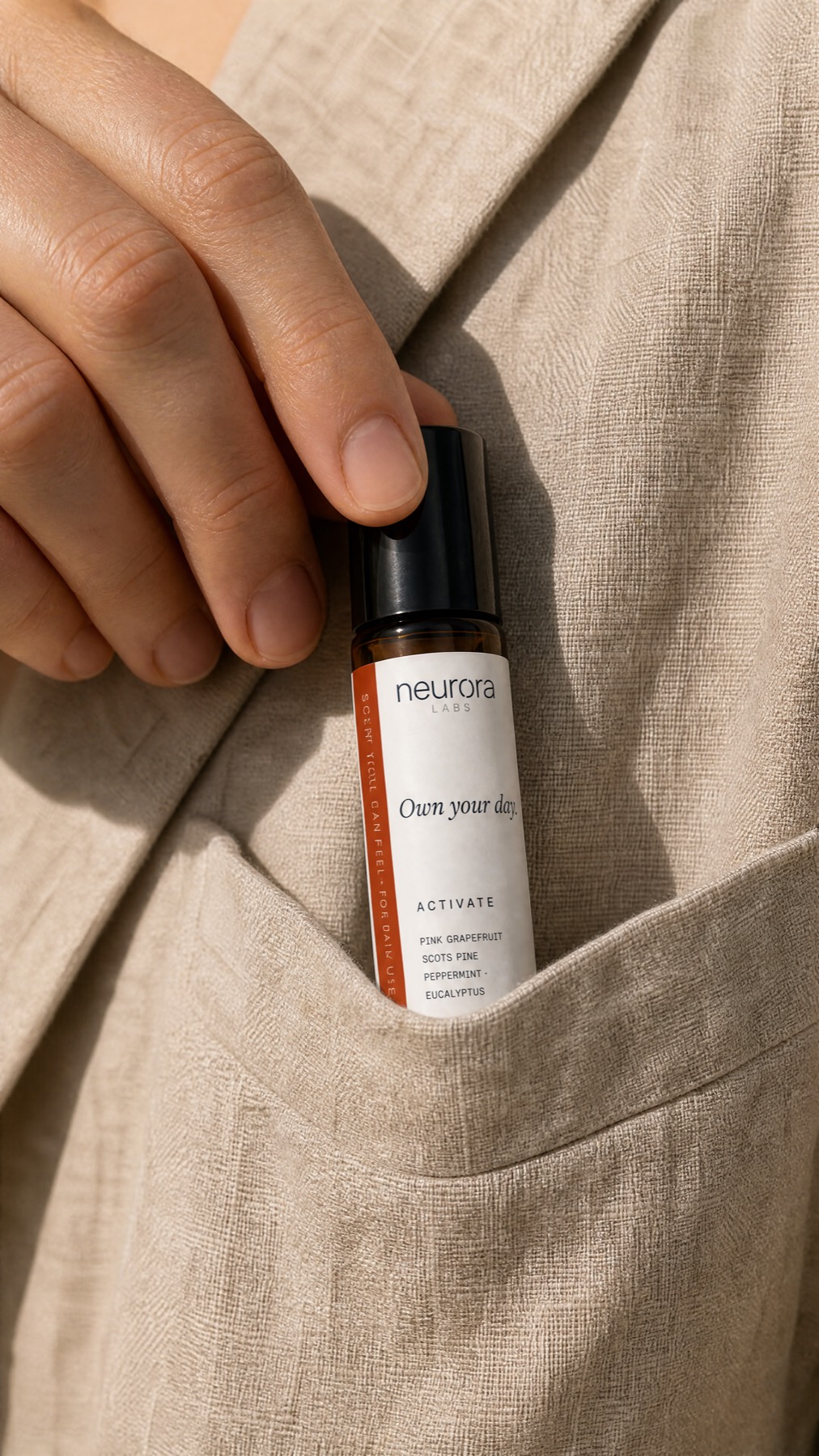
neurora
LABS
Olfaction is the shortest path to state.
How it works
Build the Atlas. Then use it.
01
Build the Atlas
Compile a Brand Book, ground the real catalog, and put approved claims in one place. Connect has nothing to send until they exist.
02
Connect every AI
Authorize once via MCP, the REST API, or the Gateway. ChatGPT, Claude, Cursor and your apps all read the same packet.
03
Create from the source
Turn one verified SKU into channel-ready stills. Optional — you can keep designing in the tools you already use.
04
Check before you ship
Brand Match on Create. Claims Check via gateway, API or MCP can allow, rewrite or hold. Not a live monitor of every chat.
Why it matters
Same source. Every output.
01
The brand book AI can actually use
Identity, colour, type and voice do not fork when someone opens a new chat. Every connected AI reads the same book.
Build your Atlas
Three layers. One source.
Brand, Products and Claims are what every connected AI reads. Build them once.
Brand
A brand book AI can actually use.
Identity, colour, type, voice and knowledge — compiled once, then kept editable.
Learn more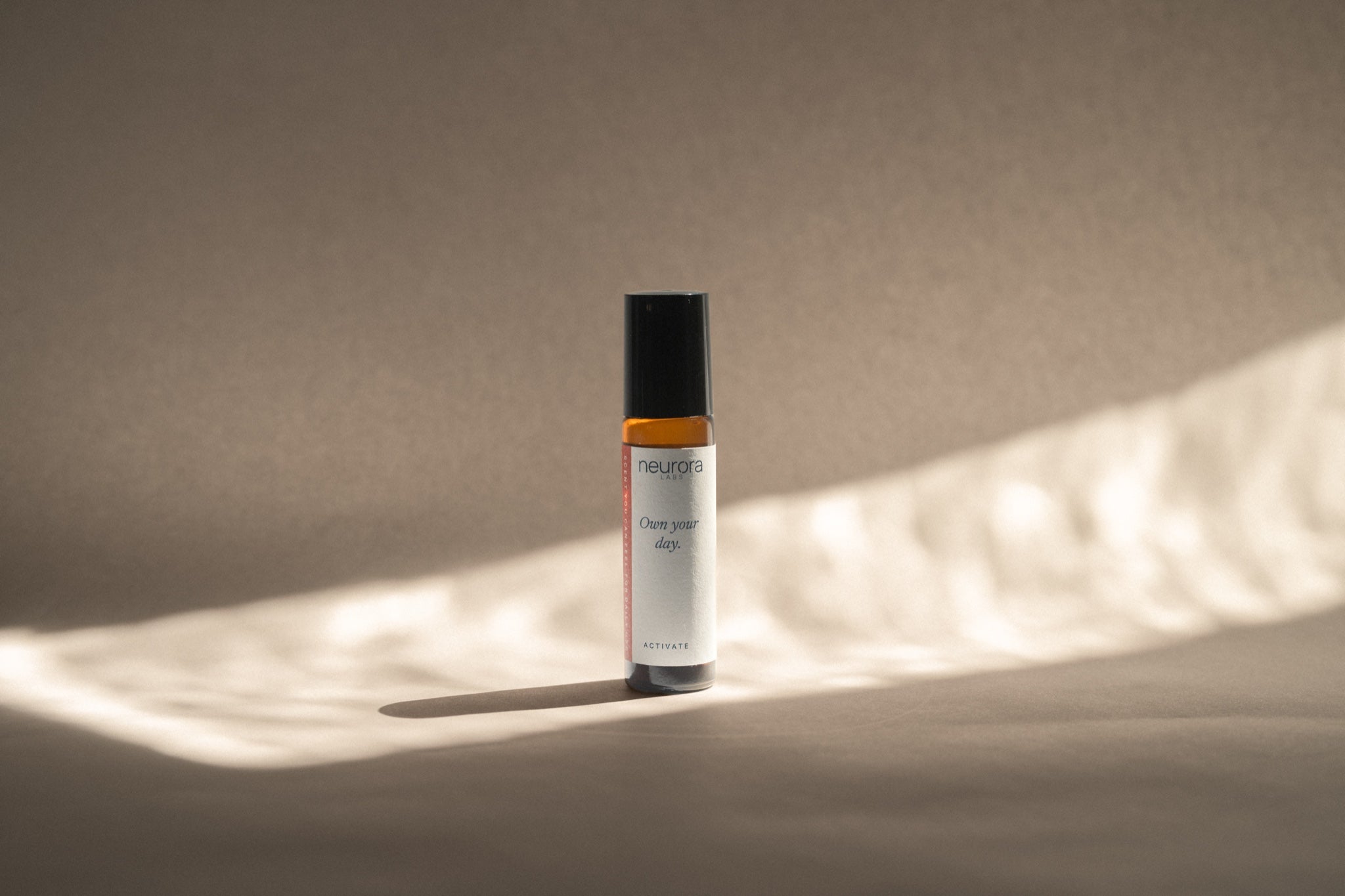
Products
The SKU AI can actually use.
The right SKU, packshot, on-pack spelling and variant — not a lookalike from a prompt.
Learn moreClaims
Your policy, enforced.
Approved claims, evidence and rules travel with every relevant request.
Learn morePut it to work
Connect. Create. Check.
Authorize the stack, make stills from the catalog when you want, and check before work ships.




Connect
Every AI gets the same context.
Brand. Products. Claims — available through MCP, API and Gateway wherever AI works.
Learn more

Create
Create without losing control.
Turn one verified product into channel-ready creative — without losing the brand, product or approved claims.
Learn moreCheck
Check before you ship.
Brand Match on Create. Claims Check via gateway, API and MCP. Not a universal output firewall.
Learn moreWhy it exists
Not a prompt you paste into every tool.
Tribal knowledge and exported PDFs drift the moment someone opens a new chat. One Atlas does not.
Without Atlas
A different brief in every interface.
- Someone pastes last quarter’s PDF.
- The model invents a bottle it never saw.
- A stronger claim ships because nobody checked.
With Atlas
One source. Every AI you connect.
- The Brand Book, catalog and policy stay put.
- ChatGPT, Claude, Cursor and your apps read the same packet.
- Check can allow, rewrite or hold before it ships.
Put your brand in the Atlas.
Questions
What is Brand Atlas?
Brand Atlas is the control layer for commerce AI. It gives AI one trusted source of truth for your brand, products and approved claims, so everything it creates stays on-brand, product-accurate and within policy.
Is this an image generator?
No. Generation is one way to use the Atlas — not the product. Brand Atlas is the source of truth. Connect, Create and Check all run from the same Brand, Products and Claims.
What do we have to put in before it works?
Your brand, the real catalog, and the claims and policies you already have. That is the Atlas. Connect, Create and Check all run from it.
Do we have to generate in Brand Atlas?
No. Create is there when you want on-brand stills from the catalog. If you keep writing and designing in ChatGPT or Cursor, Connect and Check still apply.
Does it work with the AI we already use?
Yes. ChatGPT, Claude, Cursor and your other tools can use the same Brand, Products and Claims. Authorize once via MCP, or point an existing OpenAI, Anthropic or Gemini client at the Gateway.
Does it watch every AI the team uses?
No. It is not a live monitor of every model or chat. Check runs when you create in Brand Atlas, or when a request goes through the gateway, API or MCP.
What is the difference between Claims and Check?
Claims is the policy in your Atlas — approved lines, evidence and packs. Check is how that policy is applied: Brand Match on Create, and Claims Check via gateway, API or MCP before you ship. It enforces your policy. It is a brand firewall, not legal advice.