PDP
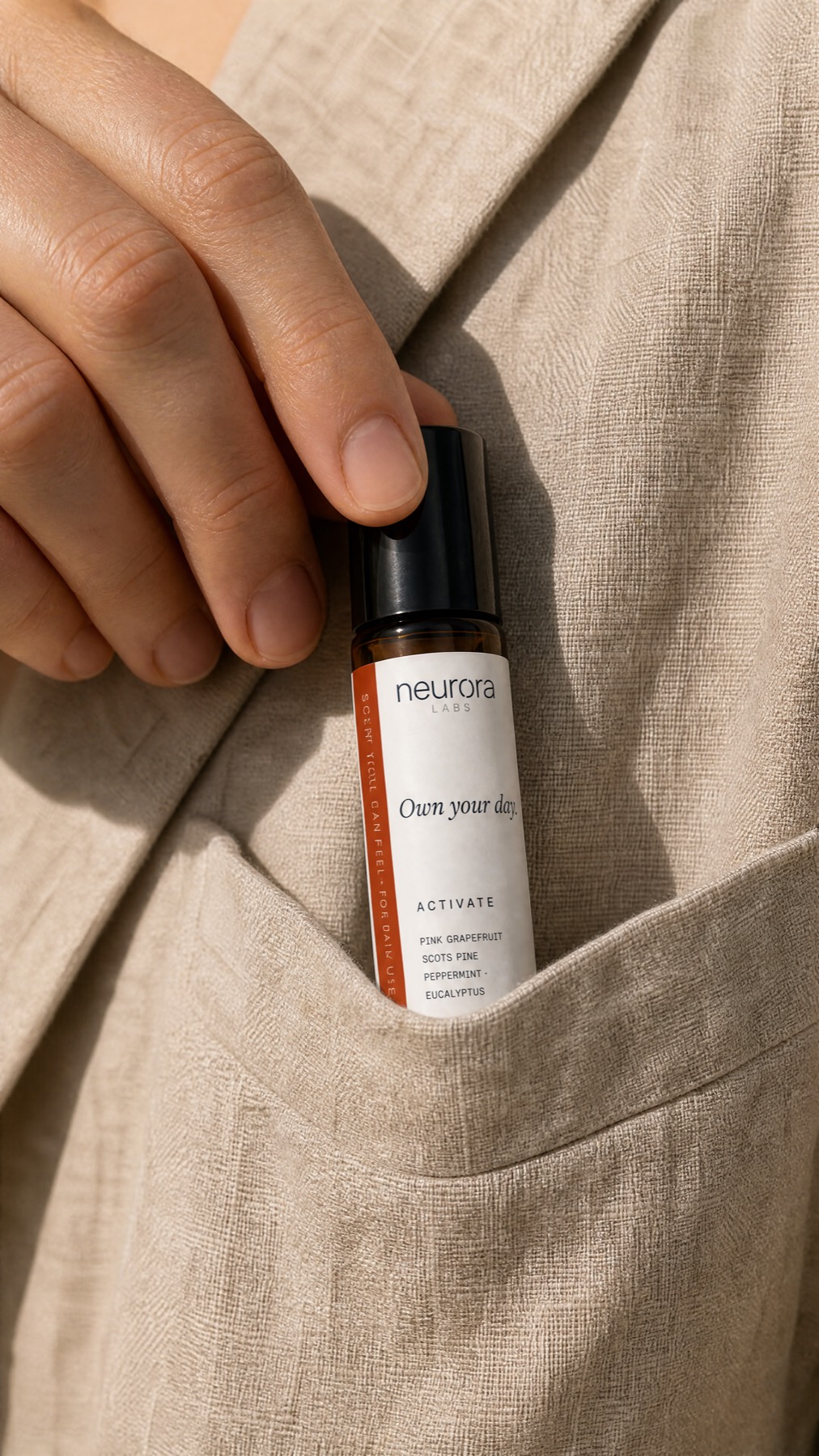
Focus Roll-On
RO-02-FCS

The control layer for commerce AI.
Keep every AI you connect grounded in the same brand, products and approved claims.
 Claude
 ChatGPT
 Cursor API Agents



The new commerce stack
RO-02-FCS
Claude ChatGPT VS Code
 Claude Code
 Lovable
 Codex Cursor
PDP
Focus Roll-On
RO-02-FCS
Meta adOwn your day.
Marketplace
Focus Roll-On

Campaign
Retail poster
AT · de
Focus Roll-On
More creation points.
More chances to drift.
Many creators.One source.
Brand, products and approved policies — structured once, used everywhere AI works.
Structured once. Used everywhere AI works.
Your Brand AtlasBrand ✓ · Products ✓ · Policies ✓
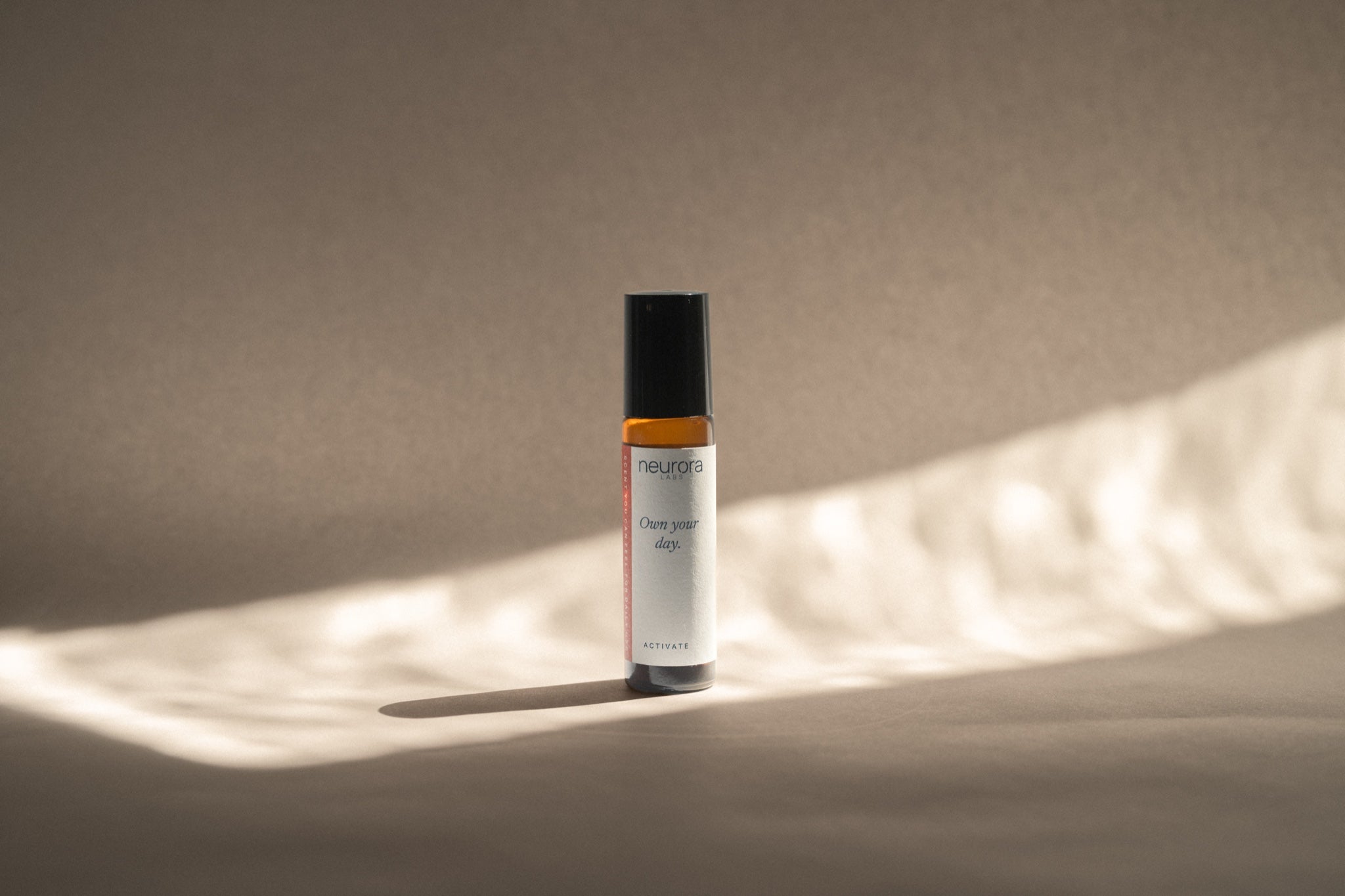
neurora
LABS
Olfaction is the shortest path to state.
Own your day.
Newsreader Inter Tight
Identity · Voice · Type · Knowledge
Focus Roll-On
RO-02-FCS
Rosemary · Peppermint · Lemon
No synthetic fragrance
Botanical scent tool
Made in Europe
source: approved_claim
market: AT
policy: approved
Connect · Create · Check
Connect
Create
Focus Roll-On · RO-02-FCS · ✓ verified
Focus Roll-On
10 ml
A scent tool for a focused state.
Add to bag
neurora LABS
Own your day.
Shop Focus
Own your day.
Focus Roll-On
Shop Focus →
Check
“Clinically proven to improve focus.”
Brand Match 96
Made with Brand Atlas
Customers
Every AI. Same brand. Same products. Same rules.
Brand Atlas is the control layer for commerce AI. It gives AI one trusted source of truth for your brand, products and approved claims, so everything it creates stays on-brand, product-accurate and within policy.
No. Generation is one way to use the Atlas — not the product. Brand Atlas is the source of truth. Connect, Create and Check all run from the same Brand, Products and Claims.
No. Create is there when you want on-brand stills from the catalog. If you keep writing and designing in ChatGPT or Cursor, Connect and Check still apply.
Yes. ChatGPT, Claude, Cursor and your other tools can use the same Brand, Products and Claims. Authorize once via MCP, or point an existing OpenAI, Anthropic or Gemini client at the Gateway.
Your brand, the real catalog, and the claims and policies you already have. That is the Atlas. Connect, Create and Check all run from it.
Yes. Each workspace can hold multiple brands. MCP connections can be scoped to a brand or the organization.
Claims is the policy in your Atlas — approved lines, evidence and packs. Check is how that policy is applied: Brand Match on Create, and Claims Check via gateway, API or MCP before you ship. It enforces your policy. It is a brand firewall, not legal advice.
No. It is not a live monitor of every model or chat. Check runs when you create in Brand Atlas, or when a request goes through the gateway, API or MCP.